
BeamLink
Remote desktop that puts your Mac on your phone with a single QR scan
Overview
A remote desktop with no cloud and no account.
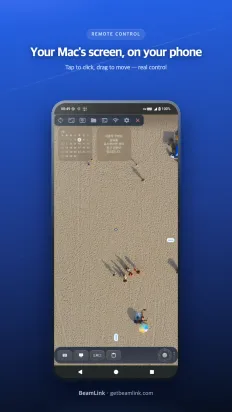
Scan the QR code on your Mac and its screen appears on your phone, ready to tap, scroll and type. Screen data only travels between your two devices.
Screenshots
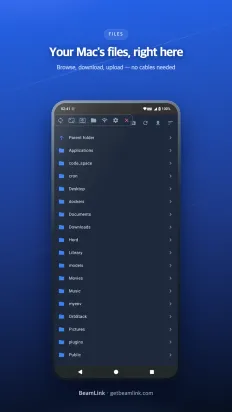
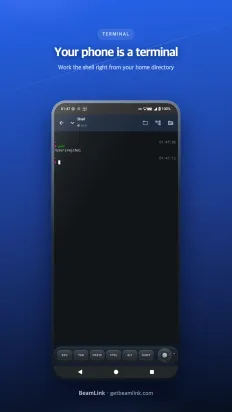
Features
Control, not just viewing
Tap to click, scroll with two fingers and type on your keyboard. Korean input comes through intact.
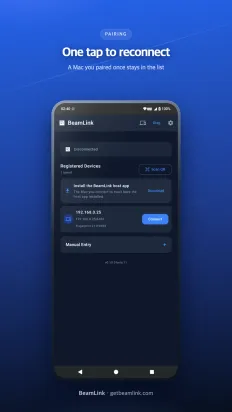
One QR scan to connect
No IP addresses or ports. Scan the QR and you're connected. You compare a 6-digit fingerprint on both screens once, the first time.
Encrypted, direct connection
Data between your Mac and phone flows over an encrypted direct link and never passes through an outside server.
Smooth and light on battery
Uses the hardware encoder and decoder on both devices. Up to 1080p60 when your network allows.
Sound and clipboard too
Mac system audio streams along with low latency, and text copied on one side can be pasted on the other.
Safe when you step away
During a session the Mac's physical screen stays dark, and if someone types on the Mac the connection ends immediately.
Data and permissions
- No account and no sign-up.
- Screen, sound and input travel only over the encrypted direct link between your Mac and phone.