
NightDock Standby
Turns a charging phone into a standby clock, calendar and dashboard
Overview
Use the phone on your charger as a bedside clock or a desk calendar.
It can switch on by itself when charging starts, showing a clock, photos, a dashboard, or a clock with a calendar.
Screenshots
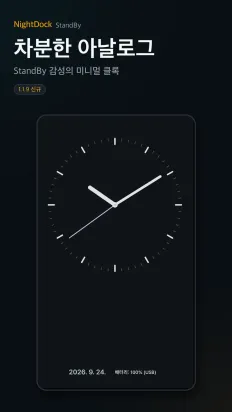
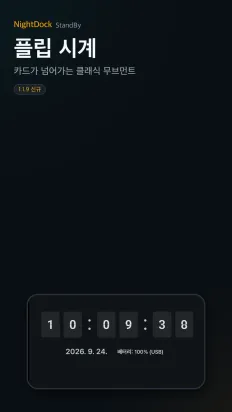
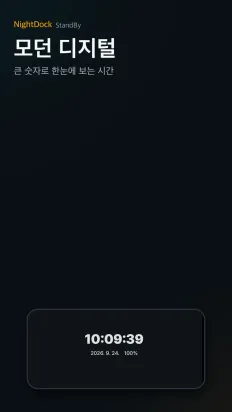
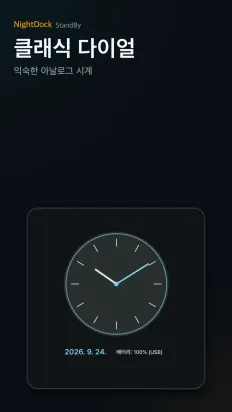
Features
Four screens
Pick a clock, photos, a dashboard, or a clock with a calendar.
Your real calendar
Events from your device calendar, readable from across the room.
Swipe to restyle
Swipe up or down to change the clock and calendar designs independently.
Launch anytime
Start it from a persistent notification or the in-app button.
Easy on the eyes at night
AMOLED black, amber and night red themes plus dimming, with elements shifting slightly to prevent burn-in.
Data and permissions
- No account, no sign-in.
- Calendar events and photos you choose are used only for display and never leave the device.