
Screen Orientation
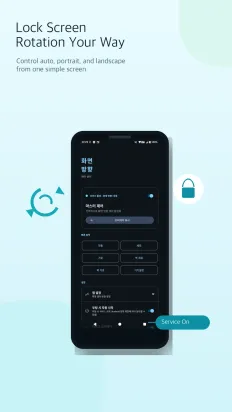
Locks the screen to the orientation you choose, app by app
Overview
Watching videos in bed, reading webtoons, keeping a tablet on a stand: the screen keeps turning when you don't want it to.
Switch between portrait, landscape and auto in one tap, and let per-app rules apply the right orientation automatically.
Screenshots
Features
Five orientations
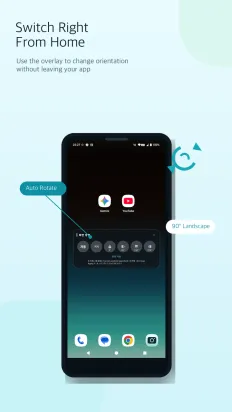
Lock to auto, 0°, 90°, 180° or 270° instantly.
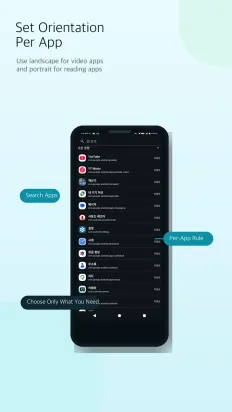
Per-app rules
Set an orientation for an app and it applies whenever that app opens.
Switch from anywhere
Tap the notification and orientation buttons appear on top of whatever you're doing.
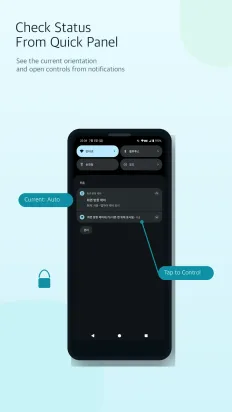
Status in the notification shade
See the current orientation in the shade and change it there.
Light and dark themes
Follow the system setting or pick light or dark yourself.
Data and permissions
- No sign-up or login, and no personal data is collected.
- Settings such as orientation rules and theme stay on the device and are removed when you uninstall.
- Overlay, app-usage and system-settings permissions are used only for the features that need them.